Sphere Payment Processing Module
From OpenEMR Project Wiki
Sphere Payment Processing Module
Overview
- This module is installed by default in OpenEMR 6.0.0 (with patch 4 or greater) and higher versions.
- Allows payment processing from clinic (via cardreader with input pad) and patient portal.
- Allows void/credit of payments.
Sign Up
- Sign up for account at https://openemrstd.spherechannels.com/boarding?channel=OEMRS&plan=OEMRS
- After you sign up you will get 3 sets of credentials for Billing, Retail, and Ecomm which you will enter into the OpenEMR Global settings described below.
Configure Module
- Globals to turn on module:
- Connectors->Accept Credit Card transactions from Front Payments
- Connectors->Select Credit Card Payment Gateway->Gateway for Sphere Payments
- Portal->Allow Online Payments
- Globals to store credentials (These will be provided by Sphere (see above Sign Up section).):
- Sphere account Billing type credentials:
- Connectors->Connectors->Sphere Clinicfront over phone (MOTO) Transaction CustID
- Connectors->Sphere Clinicfront over phone (MOTO) Transaction CustID License Key
- Connectors->Sphere MOTO TC Link Password
- Sphere account Retail type credentials:
- Connectors->Connectors->Sphere Clinicfront in person (RETAIL) Transaction CustID
- Connectors->Sphere Clinicfront in person (RETAIL) Transaction CustID License Key
- Connectors->Sphere RETAIL TC Link Password
- Sphere account Ecomm type credentials:
- Connectors->Sphere Patientfront (Ecomm) Transaction CustID
- Connectors->Sphere Patientfront (Ecomm) Transaction CustID License Key
- Connectors->Sphere Ecomm TC Link Password
- Sphere account Billing type credentials:
- Global to store pin code required for confirmation of voids/credits (Note this code is not provided by Sphere. This is specific to your OpenEMR instance to control access to users that are allowed to perform void/credit.)
- Connectors->Sphere Void/Credit Confirmation PIN
- Global to set to production mode (Toggle this to on.):
- Connectors->Set Gateway to Production Mode
- Some things that also need to ensure for this module to work:
- Need to be using https
- The global Connectors->Site Address Override needs to be correct
Make Payment From Clinic Interface
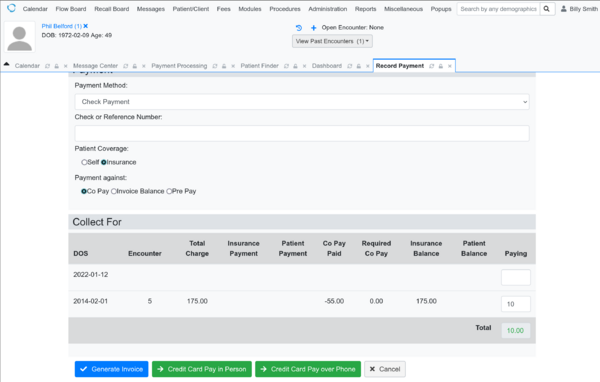
Click Credit Card Pay. 'Credit Card Pay in Person' for when taking payment in person. 'Credit Card over Phone' for when taking payment over phone. 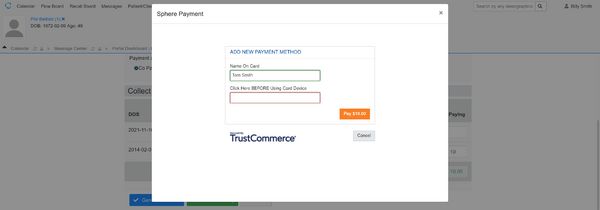
Select the input box and then use the card reader/input pad 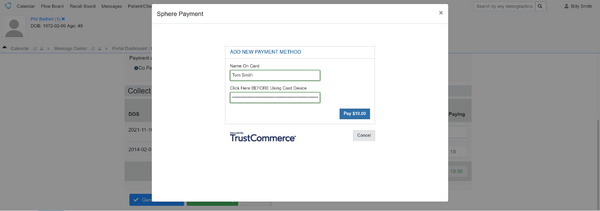
Click Pay 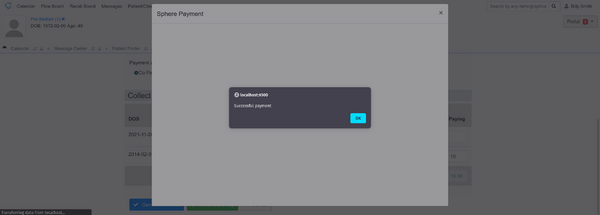
Click OK 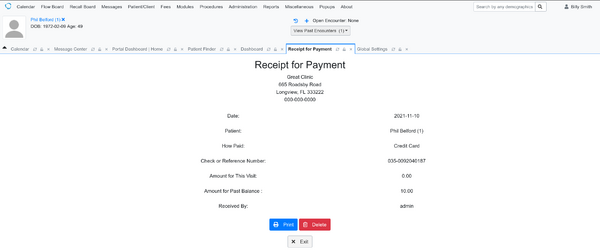


Make Payment From Patient Portal Interface
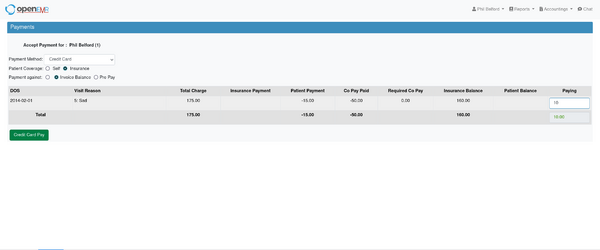
Click Credit Card Pay 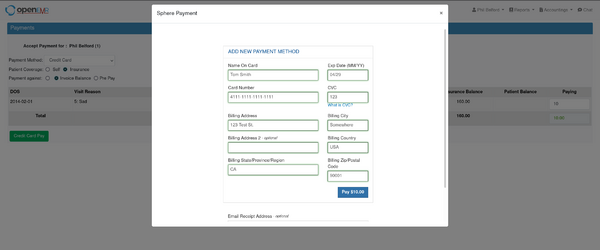
Enter credit card information and then Click Pay 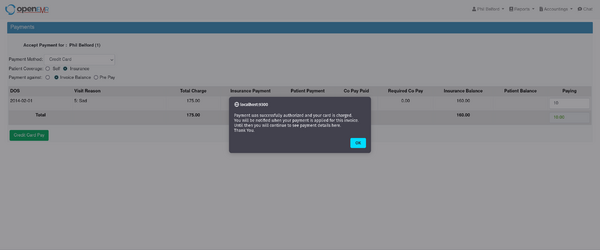
Click OK 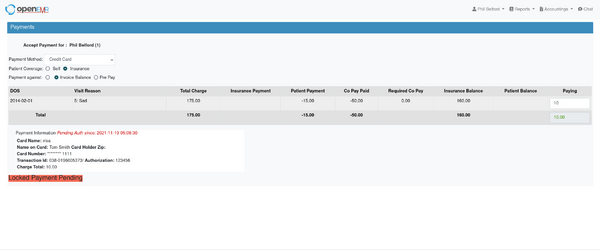


Void or Credit Payment
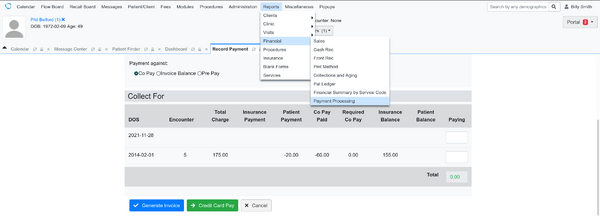
Go to Payment Processing Report 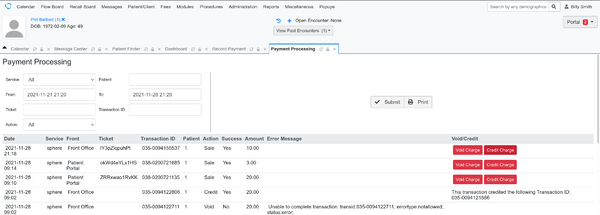
Click Credit Charge (or Void Charge). Void Charge can only be performed on same day as charge whereas Credit Charge should be performed anytime after the day of charge. 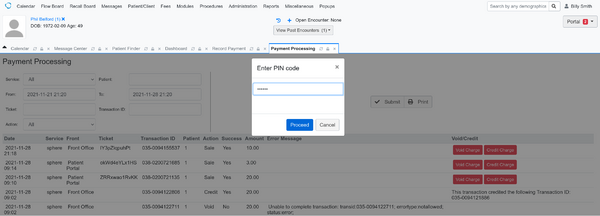
Enter PIN code (this PIN code was set in Globals->Connectors->'Sphere Void/Credit Confirmation PIN') and click Proceed 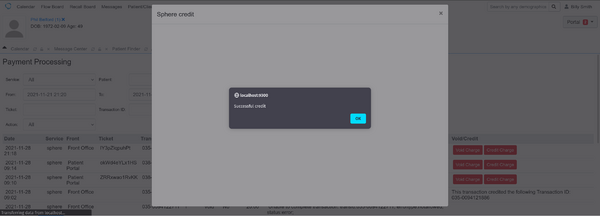
Click OK 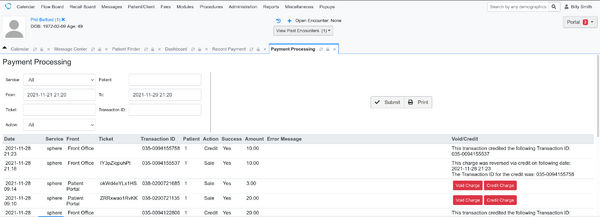


View Report
Go to Payment Processing Report

