Lifemesh Telehealth Module
From OpenEMR Project Wiki
- THIS MODULE IS NO LONGER AVAILABLE AND THE SERVICE IS NOT WORKING AT THIS TIME.
Lifemesh Telehealth Module
- THIS MODULE IS NO LONGER AVAILABLE AND THE SERVICE IS NOT WORKING AT THIS TIME.
Overview
- THIS MODULE IS NO LONGER AVAILABLE AND THE SERVICE IS NOT WORKING AT THIS TIME.
- Lifemesh Telehealth Module is a subscription service.
- This module will work with OpenEMR 6.0.0 (with patch 3 or greater) and higher versions.
Install Module
- Download: oe-module-lifemesh-telehealth-1.0.0.zip
- Move this file to OpenEMR main directory on your server and then unzip the file from that location. This will then place the module in the correct place in OpenEMR.
Configure Module
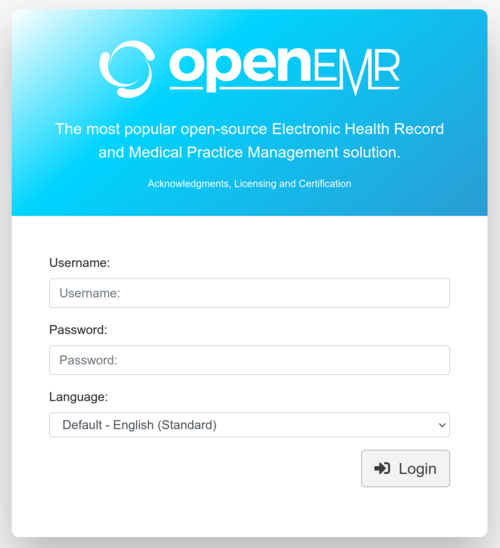
Log into OpenEMR 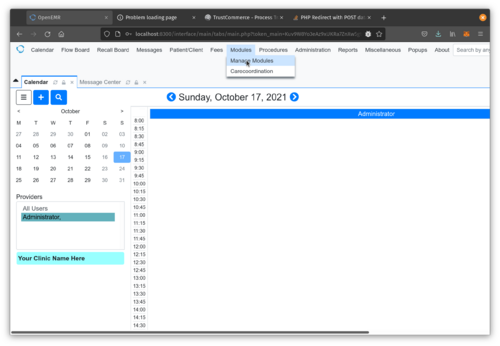
Go to Modules->Manage Modules 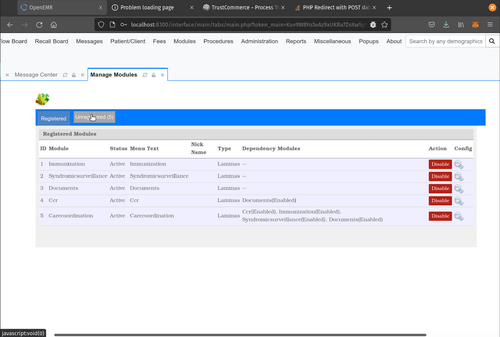
Click Unregistered Button 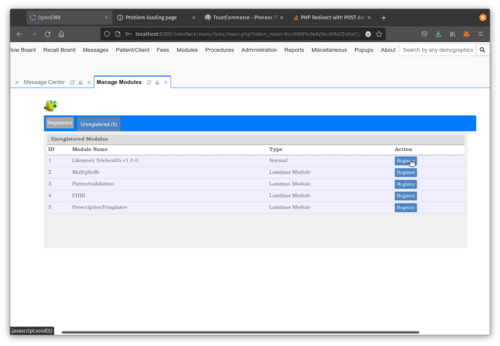
Click Register Button of Lifemesh Telehealth Module 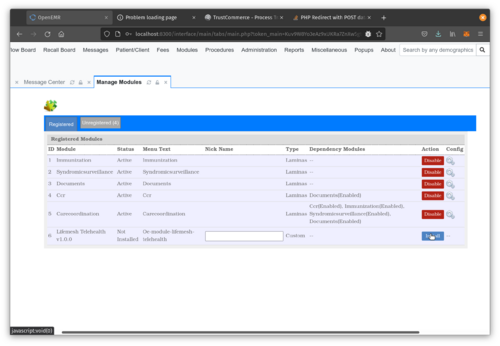
Click Install Button of Lifemesh Telehealth Module 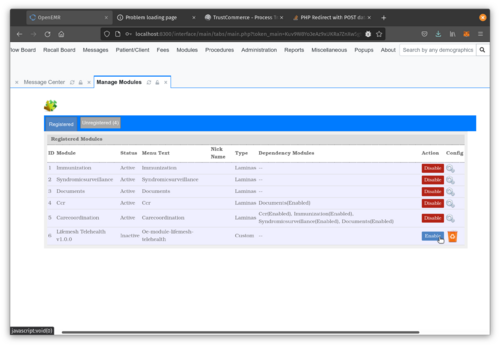
Click Enable Button of Lifemesh Telehealth Module


Subscribe to Lifemesh Telehealth Service
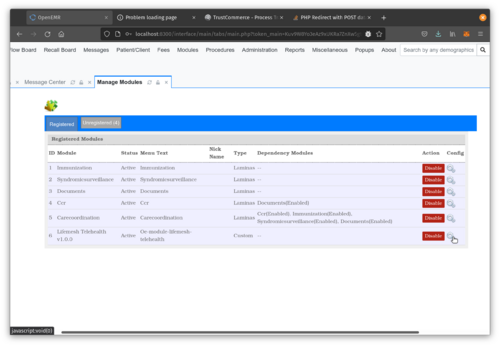
Click Config Icon of Lifemesh Telehealth Module 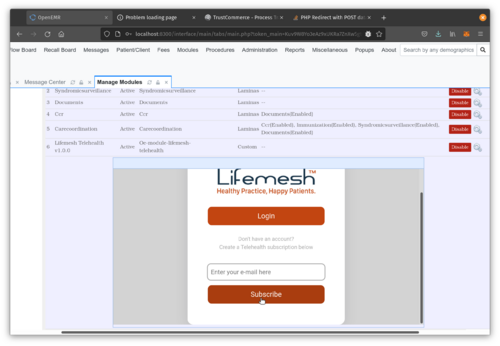
Input Email Address and Click Subscribe Button and you will then be directed to the subscription form.


Login to Lifemesh Telehealth Service
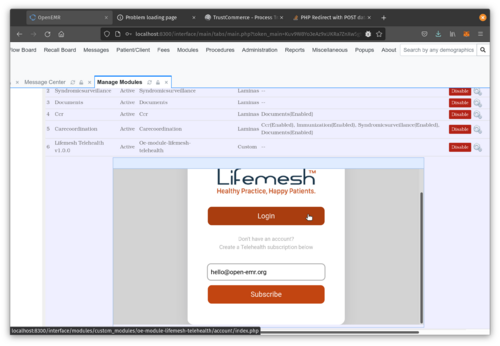
Click Login 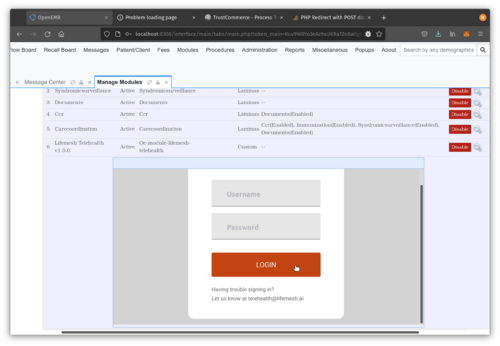
Input login credentials provided by Lifemesh and then click Login. 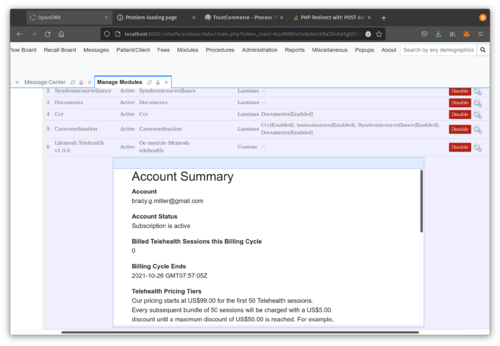
After successful login, you will then see your LifeMesh Telehealth account summary.


Use Lifemesh Telehealth Service
- When you schedule a appointment for a patient, that patient will need to have a Email address and Mobile phone number in their demographics.
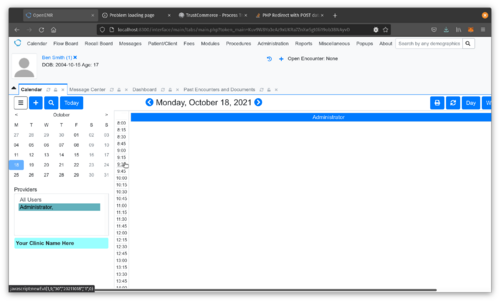
Click appointment time in calendar. 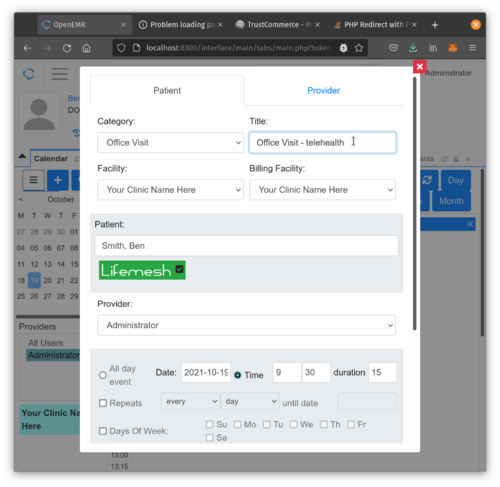
Ensure that the Lifemesh Telehealth Module Status Indicator is Green, which means that your service is working. To schedule a telehealth appointment, you need to include 'telehealth' in the Title of the appointment. 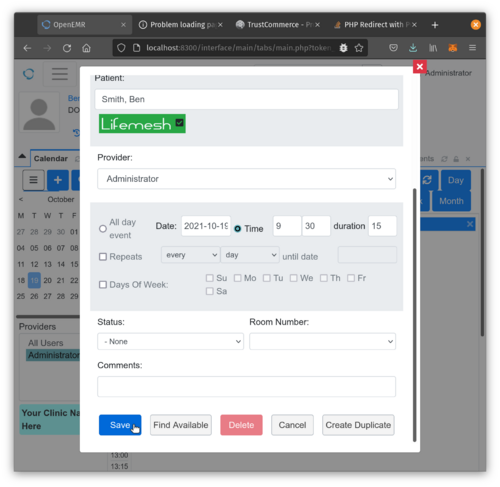
Ensure that the Lifemesh Telehealth Module Status Indicator is Green, which means that your service is working. Click Save to save the appointment. At this point, a email and sms will be sent to the patient by Lifemesh with scheduling information and a link to log into the session. 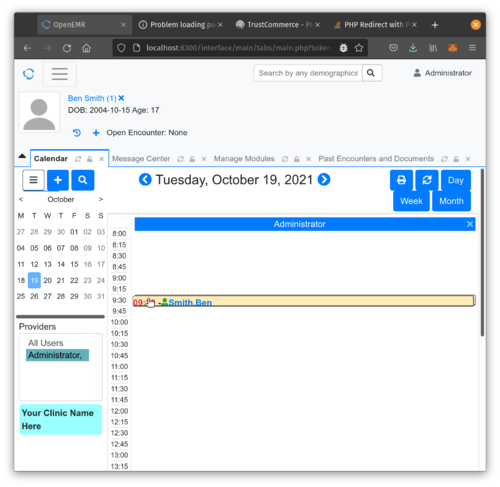
Click on the telehealth appointment. 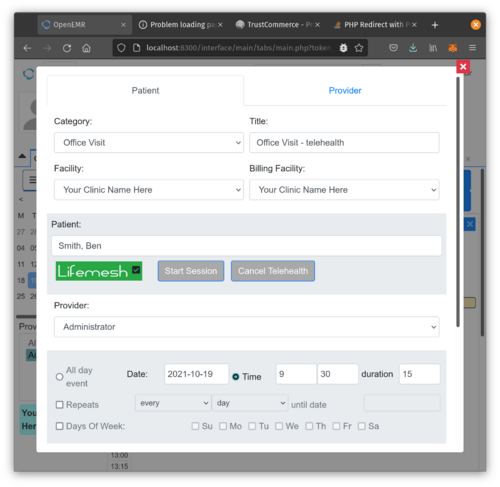
Ensure that the Lifemesh Telehealth Module Status Indicator is Green, which means that your service is working. You can now either Start or Cancel the telehealth session.


Cancel your Telehealth Subscription
- If you wish to cancel your current Telehealth subscription, access the Telehealth account management screen from the Modules page. You should see the image below at the bottom of your screen.
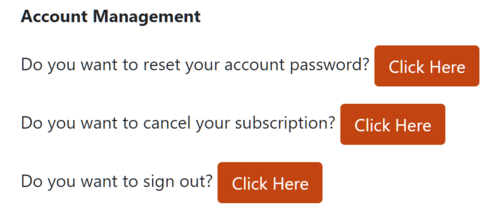
Click the button beside "Do you want to cancel your subscription?".


